
RESK Academy
Loading your learning journey...
Loading your learning journey...
In just 6 lectures, you’ll be able to learn Civil 3D and produce professional-quality drawings.
Through this course, you’ll gain real proficiency in the software and become capable of using Civil 3D with ease—whether you work on road projects, utility networks, hydrology, or sanitary systems. If you’re in any of these fields, it’s essential to know how to handle Civil 3D efficiently.
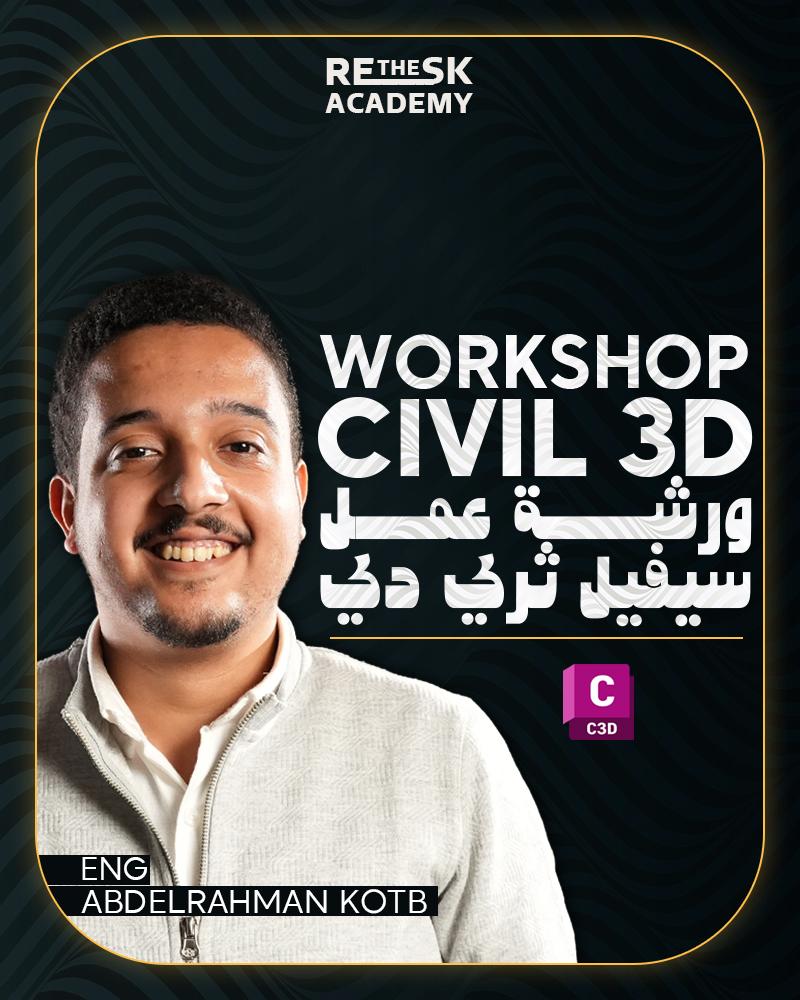
🔹Introduction
Introduction to Civil 3D and Differences from AutoCAD
Program’s Main Interface
Drawing Settings + Coordinate Systems
What is a TIN Surface?
Requires data to Create Tin surface
Create Surface From (Microsoft Excel - AutoCAD Points – Contour lines – etc.)
Add Data to Surface
Edit in Surface
Surface Analysis (Slopes – Contours – Elevations)
Add Surface to Another
Surface Definitions
Surface Style
Extract Surface (XML)
🔹 Alignment & Profile
Horizontal Design (Alignment)
Add Design Criteria Checks
Alignment Styles
Alignment Labels
Draw Profile View
Add Surfaces to Profile View
Vertical Design (Vertical Profile)
Profile View Style
Add Profile Labels
Adding Objects to Profile view
🔹Corridor & Assemblies
Subassemblies & Cross Section
Create Assembly
Creating Corridor
Add to Corridor (Add baseline – Add Regions)
Corridor Styles
Edit in Corridor (Regions Properties – Frequencies -etc.)
Extract Corridor data
Introduction in Intersection Grading
Three & Four leg intersections
Regions Targeting (Width & Elevation)
Grading in Intersections
🔹Cross Sections
Creating Sample lines
Sample line (width and range)
Add Sources data to Section Views
Generating Cross Section Views
Edit in Section Views Style
Earthwork Cut & Fill Calculation
🔹Sheet Production & Final Output
Create Cut Sheets
Edit Page Setup & layouts
Edit Scale
Edit Sheet titles
Exporting PDF & DWG file

abdelrahmankotb@reskacademy.com
I did not participate om this course yet, so I dont have an evaluation , but whenever i do it , I'll retirn and write an evaluations
من أفضل الدورات التي حضرتها لبرنامج Civil 3D. المحتوى منظم وشامل، وطريقة التقديم تجعل المعلومة تصل بسهولة ويسر. شكراً جزيلاً للمهندس عبد الرحمن على هذا المجهود الرائع والدقة في إيصال المعلومة، التقييم 5 نجوم وبكل جدارة!
استمتعت جدا بالكورس كانت تجربة حلوة وفادتني بالمشروع لدرجة مهي متوقعه ومنها افتكرت اوامر في الكاد كنت ناسيها وريحتني من ناحية المراجعة