RESK Academy
Loading your learning journey...
Loading your learning journey...
Welcome to the Lumion course. This class is designed to take the 3D models you built during your Revit diploma and bring them to life. Over the next four sessions, we'll walk through the entire rendering process from scratch. We’ll cover everything from basic interface navigation and material tweaking to setting up advanced lighting, animations, and 360 panoramas. The goal isn't just to learn the software, but to build a practical workflow that lets you present your design ideas clearly and professionally, whether through realistic night shots or clean diagrammatic outputs.
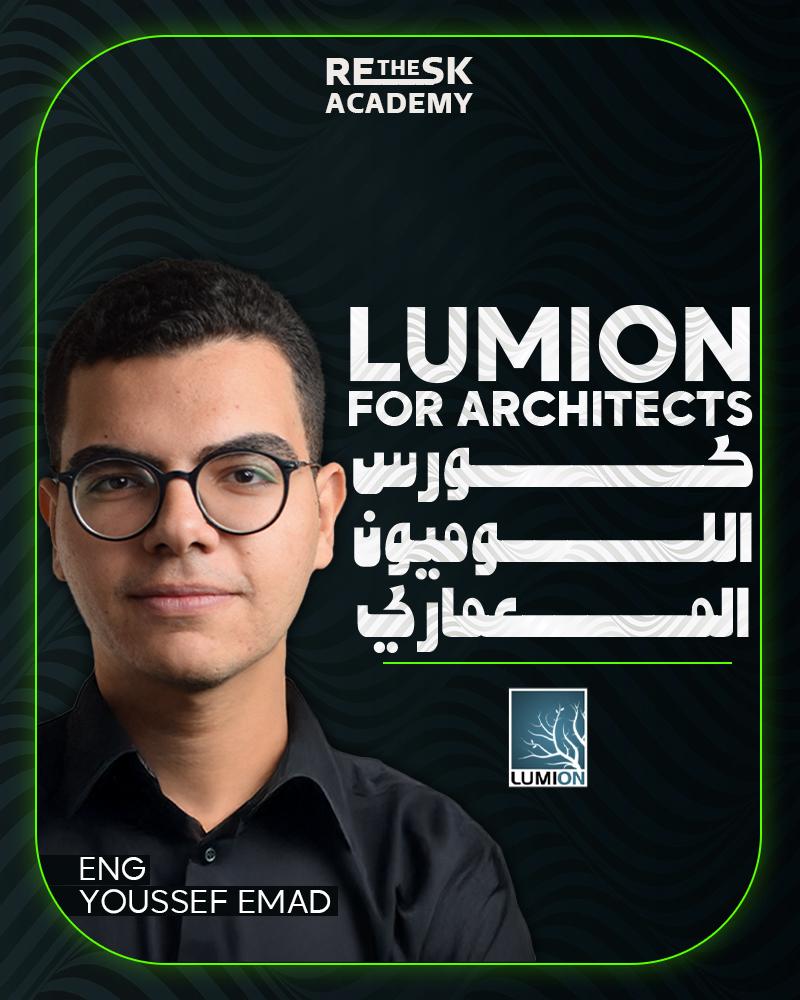
Lumion Visualization Course. This class is designed as the practical next step after completing your Revit diploma. You’ve put in the hard work to build accurate, detailed 3D models—now it’s time to focus on how to present those ideas effectively. Lumion is all about bridging the gap between a raw technical model and a compelling visual presentation.
Over the course of four detailed sessions, we aren't just going to memorize software menus; we are going to build a solid, repeatable visualization workflow. We'll approach rendering the way a photographer approaches a shoot. We’ll start with the absolute basics of scene setup and landscape building, and then dive deep into the finer details of material properties, weather effects, and camera composition.
The ultimate goal of this course is practical application. We will use the actual projects you designed for your Revit diploma as our base. By the end of our time together, you’ll know how to seamlessly export your models into Lumion and create a complete, professional presentation package. You'll walk away with the skills to produce highly realistic day-and-night renders, dynamic walk-through animations, interactive 360 panoramas, and clean, diagrammatic views that clearly communicate your core design concepts.

youssef.k@reskacademy.com
Opening a fresh project file and getting comfortable navigating the Lumion interface. Getting the hang of basic controls like move, scale, and rotate. Importing your 3D geometries and building out the base landscape. Tweaking basic weather settings to set the initial mood for your scene.
Going through the menus and toolbars step-by-step so you know exactly where everything is. Digging into object and material properties in detail. Learning how to fine-tune specific elements so your imported models actually start looking realistic.